
This manual introduces the functions and usage of LC-XBL20/LC-XBL25 multimedia projectors.
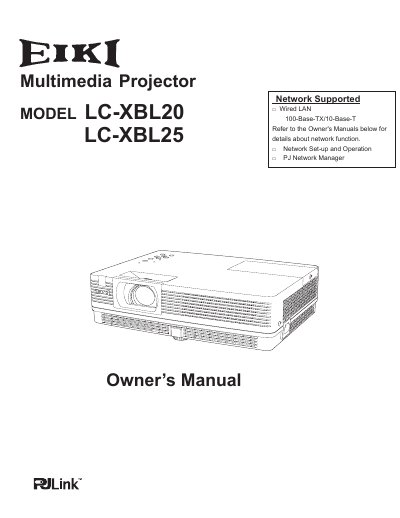
The EIKI LC-XBL20 is a compact multimedia projector featuring a matrix LCD technology with 16.77 million colors and a Mult-scan System for compatibility with various computer output signals. It supports up to UXGA resolution and includes built-in network functions for management and presentation support. Key features include a security function with key lock and PIN code lock, a Multilanguage Menu Display available in 18 languages, and power management to reduce consumption and maintain lamp life. The device also offers a Colorboard Function to project images on colored walls and a Logo Function for custom startup displays.
The manual provides detailed instructions on installing the projector in a proper position to ensure adequate air circulation, connecting to computers and video equipment, and performing basic operations such as zoom, focus, and keystone correction. It also covers maintenance procedures, including cleaning filters and the projection lens, replacing the lamp, and resetting the filter counter. Troubleshooting guidance is provided for common issues, along with technical specifications and information on optional parts.
| Display Technology | matrix liquid crystal display (LCD) |
|---|---|
| Color Palette | 16.77 million colors |
| Maximum Resolution | UXGA |
| Menu Languages | 18 languages |
You should unplug the projector from the power outlet to prevent potential issues.
The projector can accept up to UXGA resolution.
The operation menu is available in 18 languages.