
This document is the owner's manual of LC-XB30 projector, and introduces the features and characteristics of the product.
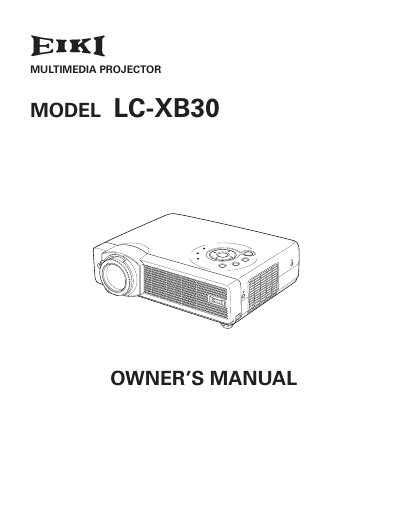
The EIKI LC-XB30 is a compact multimedia projector designed with advanced technology for portability and ease of use. It features a matrix liquid crystal display (LCD) capable of displaying 16.77 million colors and supports various input signals including computers, component video, S-video, and RGB Scart. The device includes built-in functions such as digital zoom, auto setup, power management, and a PIN code lock for security.
| Display Technology | matrix liquid crystal display (LCD) |
|---|---|
| Color Palette | 16.77 million colors |
Vertical auto keystone correction and Auto PC adjustment are performed by pressing one button.
The digital zoom function can expand the image size to approximately 16 times.
You must maintain a minimum distance of 0.7 inches (2 cm) on the sides and rear.
The operation menu is available in 12 different languages.