
EIKI LC-XE10 Multimedia Projector Owner's Instruction Manual

This manual introduces the basic features and operating methods of the LC-XE10 multimedia projector, including product appearance, basic operation, computer input, video input, setting, etc.
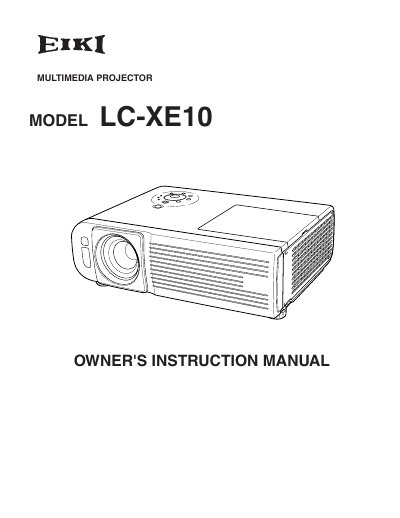

EIKI LC-XE10 Multimedia Projector Owner's Instruction Manual - cover page
Brand
EIKI
Category
Projector
Document type
User Manual
Language
English
Pages
60
File format
PDF
File size
2 MB
Published
12 July, 2012
Updated
01 October, 2023
MD5 checksum
AD39782C853CAF67FE1901EB0894B7EE

About this manual

This document is the Owner's Instruction Manual for the EIKI LC-XE10 multimedia projector. It covers essential safety precautions, including warnings about electric shock, laser pointer usage, and proper ventilation to prevent overheating. The guide details the correct installation positions and handling procedures to ensure the longevity of the device.

What's inside

  • Safety Instructions
  • Installing the Projector
  • Air Circulation
  • Moving the Projector
  • Computer Input
  • Video Input
  • Image Level Selection
  • Screen Size Adjustment
  • Maintenance and Cleaning
  • Lamp Replacement

Frequently asked questions

What is the minimum distance required between the exhaust vent and nearby objects?

The exhaust vent must be kept at least 3.3 feet (1 meter) away from any objects.

How long does the laser pointer function emit a beam when the button is pressed?

The laser beam is emitted for 1 minute when the LASER button is pressed.

Download PDF (2 MB)

More EIKI Manuals


View all EIKI manuals →