
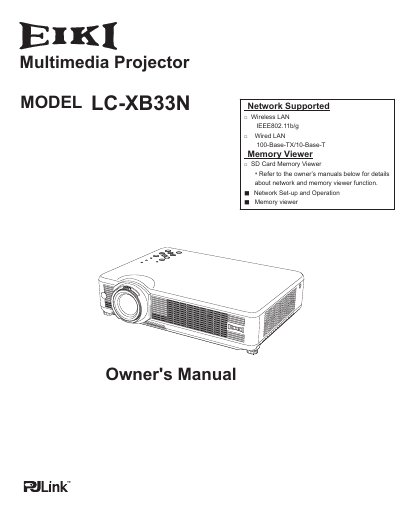
The EIKI LC-XB33N is a compact multimedia projector designed with advanced technology for portability and ease of use. It features a matrix LCD display capable of 16.77 million colors and supports up to UXGA resolution via its Multi-scan system. The device includes built-in wired (IEEE802.11b/g) and wireless LAN capabilities, allowing users to project images from computers or manage the projector remotely.
| Display Technology | matrix liquid crystal display (LCD) |
|---|---|
| Maximum Resolution | UXGA resolution |
| Wireless LAN Standard | IEEE802.11b/g |
| Wired LAN Speeds | 100-Base-TX/10-Base-T |
The menu is available in 16 languages including English, German, French, Italian, Spanish, Portuguese, Dutch, Swedish, Finnish, Polish, Hungarian, Romanian, Russian, Chinese, Korean, and Japanese.
Yes, blackboards can be used as a projection screen, but the board color is limited to Green.
No, the Quick Termination function allows you to unplug the AC power cord immediately after turning off the projector without waiting.