
This document contains the features and design of the LC-XB41 multimedia projector, including compact design, wide compatibility, simple computer system setting, practical presentation function, 360-degree projection, helpful maintenance functions and multilingual menu display.
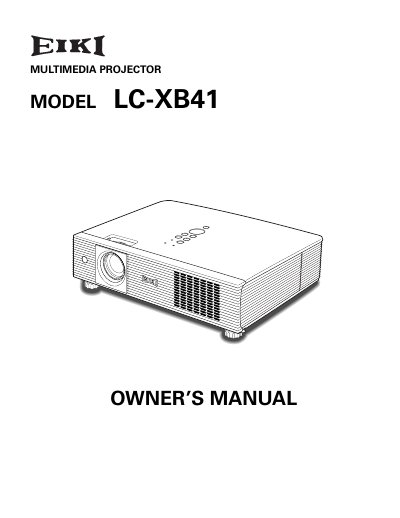
The EIKI LC-XXB41 is a compact multimedia projector designed for portability and ease of use. It features built-in multimedia capabilities, a 16.77 million color palette, and matrix LCD technology. The device supports various video and computer input signals, including RGB, S-Video, and Component video, and offers a 360-degree projection capability.
| Color Palette | 16.77 million colors |
|---|---|
| Display Technology | matrix liquid crystal display (LCD) |
| Projection Capability | 360-degree projection |
| Operating Languages | 16 languages |
No, the projector is not for use in a computer room as defined in the Standard for the Protection of Electronic Computer/Data Processing Equipment.
Exposing the appliance to rain or moisture increases the risk of fire or electric shock.
No, staring directly into the lens can cause eye damage, so users must be especially careful that children do not do so.