
This document introduces the features of the LC-XB31 Multimedia Projector, including compact design, compatibility, simple computer system setting, digital zoom, noise reduction function, blackboard function and quick termination function.
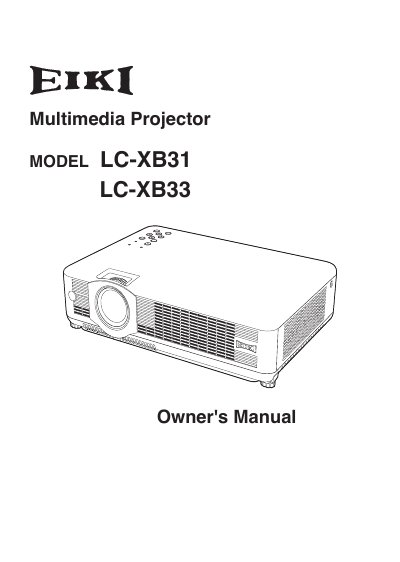
The EIKI LC-XB31 and LC-XB33 are compact multimedia projectors designed with advanced technology, featuring a matrix LCD display capable of 16.77 million colors. The device supports multiple languages for the menu system and includes various input compatibility options such as computer signals (PAL, SECAM, NTSC), component video, S-Video, and RGB SCART.
| Color Palette | 16.77 million colors |
|---|---|
| Menu Languages | 16 languages |
Yes, the Blackboard function can be used as a projection screen.
The AC power cord can be unplugged immediately without waiting for the cooling fan to stop.
Yes, it accepts various video and computer input signals including 6 Color systems (PAL, SECAM, NTSC, etc.).