
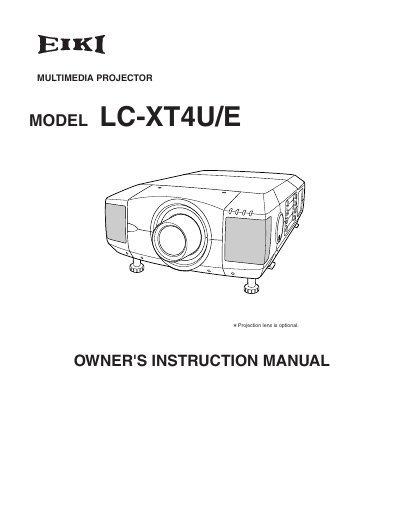
This document is the Owner's Instruction Manual for the EIKI LC-XT4U/E multimedia projector. It covers safety precautions, installation steps, and detailed operating procedures for the device's various functions. The guide explains how to connect the projector to computers and video equipment, adjust the image, and use the on-screen menu system. It also includes troubleshooting tips and maintenance instructions for lamp replacement and air filter care.
You must maintain a minimum clear space of 3.3 feet (1 meter) on the top, sides, and rear of the cabinet.
You should periodically clean the air intake vents, air filters, and top of the projector with a vacuum cleaner.
You should use a damp cloth to clean the unit.