
LC-XB40N is a business projector produced by Epson. It is small and light, capable of 360-degree projection, and can connect to a computer via network or USB
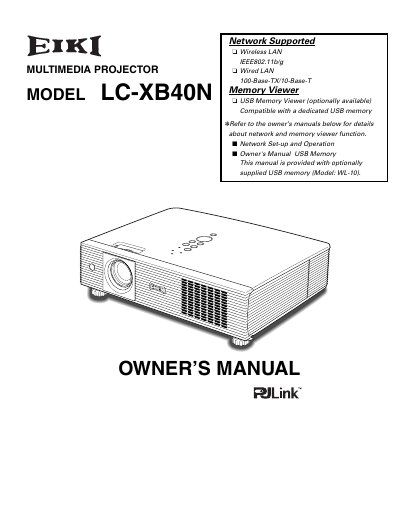
This document is the Owner's Manual for the EIKI LC-XB40N multimedia projector. It covers features such as 360-degree projection, wireless LAN, and various input options including RGB and video. The guide details installation, computer and video connections, and basic operation procedures.
The manual also includes sections on image adjustment, menu settings, and security functions like the antitheft alarm and PIN code lock. It provides troubleshooting advice, maintenance instructions for the lamp and filters, and lists technical specifications and compatible computer requirements.
| Color Palette | 16.77 million colors |
|---|---|
| Projection Capability | 360-degree |
| Menu Languages | 16 languages |
The projector is equipped with an antitheft alarm function that sounds when vibration is detected.
Yes, it is compatible with a dedicated USB memory viewer (Model: WL-10) optionally available.