
This is the owner's manual of LC-XB29N Multimedia Projector. It introduces the features and characteristics of the projector, including network support, memory viewer, function design, compatibility, simple computer system setting, useful presentation functions, power management, lamp control and logo function.
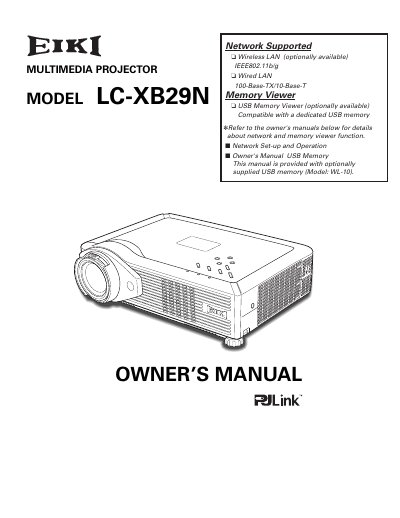
The EIKI LC-XB29N is a compact multimedia projector designed with advanced technology for portability and ease of use. It features a matrix liquid crystal display (LCD) capable of displaying 16.77 million colors and supports various input signals including computers, component video, S-video, and RGB SCART. The device includes useful functions such as digital zoom, blackboard projection support, logo customization, and network capabilities via wired or wireless LAN.
The projector can accept up to UXGA resolution.
The only supported board color for this function is Green.