
This document describes the features and design of a multimedia projector, including compact design, wide compatibility, simple computer system setting, quick termination function, and useful functions for presentations.
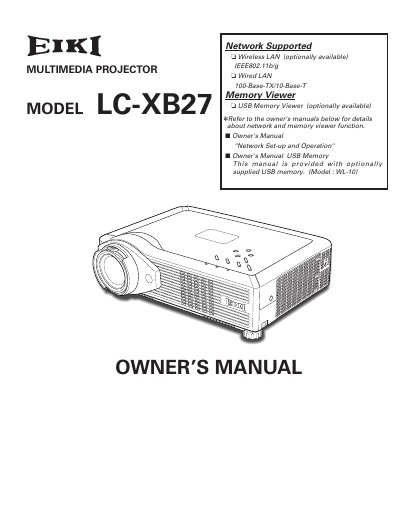
The EIKI LC-XB27 is a compact multimedia projector designed with advanced technology for portability and ease of use. It features a matrix liquid crystal display (LCD) capable of displaying 16.77 million colors and supports various input signals including computers, component video, S-video, and RGB SCART. The device includes useful functions such as digital zoom, noise reduction, and a switchable interface terminal for flexible connectivity.
| Display Technology | matrix liquid crystal display (LCD) |
|---|---|
| Resolution Support | Up to UXGA resolution |
| Network Connectivity | Wired and Wireless LAN |
| Menu Languages | 16 languages |
Yes, the blackboard function can be used as a projection screen, but the board color is limited to Green.
No, do not stare directly into the lens as much as possible because eye damage could result.
No, do not open or remove the cover except for lamp replacement; refer servicing to qualified personnel.