
This document is the owner's instruction manual for the LC-XT9 multimedia projector. It provides information about the features and functions of the product. Operating the projector properly is important for maintaining its condition and avoiding malfunctions or accidents. If any issues occur, refer to the troubleshooting section for solutions. If the problem persists, contact the dealer or service center.
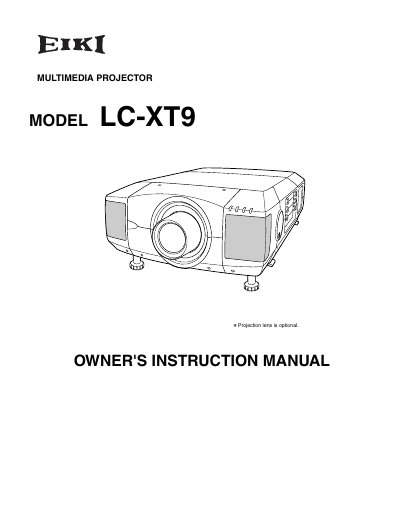
The EIKI LC-XT9 is a multimedia projector designed for displaying computer and video signals. This owner's instruction manual covers safety precautions, physical features, and initial setup procedures including power connection, lens installation, and positioning.
The guide details how to operate the projector using on-screen menus and remote controls, adjust picture settings like zoom, focus, and keystone correction, and connect various input sources such as computers and video equipment. It also includes sections on maintenance, lamp replacement, and troubleshooting common issues.
Do not stare directly into the projection lens as much as possible, and ensure children do not stare directly into the beam to prevent eye damage.
No, this projector is not for use in a computer room as defined in the Standard for the Protection of Electronic Computer/Data Processing Equipment.