
This projector features a compact design, making it easy to carry and use. It is compatible with various video and computer input signals and has a simple computer system setting. It also has features such as digital zoom, noise reduction, and blackboard function.
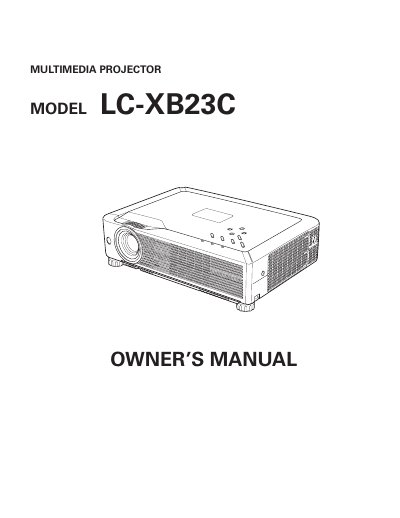
The EIKI LC-XB23C is a compact multimedia projector designed for portability and ease of use. It features a matrix liquid crystal display (LCD) technology capable of displaying 16.77 million colors and supports various input signals including computers, component video, S-Video, and RGB Scart. The device includes advanced features such as Multiscan for computer signal compatibility, digital zoom, noise reduction, and a switchable interface terminal.
| Display Technology | matrix liquid crystal display (LCD) |
|---|---|
| Color Palette | 16.77 million colors |
| Operation Menu Languages | 16 languages |
Yes, the blackboard function can be used as a projection screen, but the board color is limited to Green.
The operation menu is available in 16 languages, including English, German, French, and others.