
This document is the owner's manual for the MULTIMEDIA PROJECTOR MODEL LC-XB22. It describes the features and design of the projector, including its compact size, compatibility with various input signals, simple computer system setting, digital zoom, keystone adjustment, power management, user's logo function, selectable lamp mode, and blackboard function.
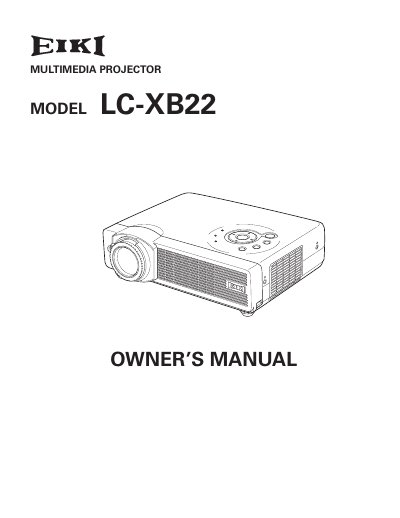
The EIKI LC-XB22 is a compact multimedia projector designed with advanced technology for portability and ease of use. It features a matrix liquid crystal display (LCD) capable of displaying 16.77 million colors and includes various input compatibility options such as computers, component video, S-video, and RGB scart.
| Color Palette | 16.77 million colors |
|---|---|
| Display Technology | matrix liquid crystal display (LCD) |
| Menu Languages | 12 languages |
Yes, the Blackboard function allows the board color to be limited to Green.
No, there are no user-serviceable parts inside except for lamp replacement.