
This document is the user manual for the LC-XB21A projector. It introduces the features of the projector, including portability, durability, ease of use, multifunctionality, compatibility, simple computer system settings, digital zoom (for computer), noise reduction function, blackboard function, and quick termination.
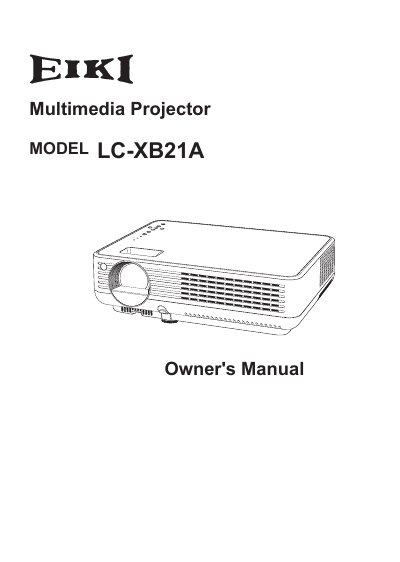
The EIKI LC-XB21A is a compact multimedia projector designed with advanced technology for portability and ease of use. It features a matrix liquid crystal display (LCD) capable of displaying 16.77 million colors and supports multiple input signals including computers, video, S-Video, and component video.
The manual covers essential topics such as safety instructions, proper installation and positioning to ensure adequate air circulation, connecting the projector to various devices, basic operation procedures, menu navigation, and maintenance tasks like cleaning filters and replacing the lamp.