
The document describes a product with unique features and characteristics. The product has features like xxx and characteristics like xxx.
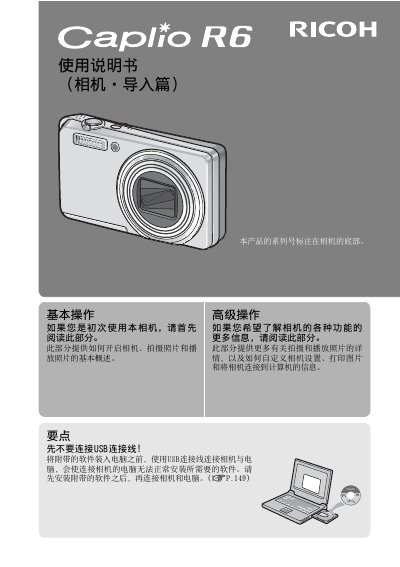
This user manual covers the operation of the Ricoh Caplio R6 digital camera. It details how to use the camera's features, such as the 7.1x optical zoom lens, face recognition, and image stabilization. The guide also explains how to set up the camera, take photos, and manage files. This manual is written in Chinese.
| Optical Zoom | 7.1x |
|---|---|
| Focal Length | 28mm to 200mm |
| Image Stabilization | Yes |
| Macro Shooting | 1cm |
| Flash Range | 25cm (Tele) or 20cm (Wide) |
The camera comes with Irodio Photo & Video Studio software for viewing and editing images on a computer.
You can connect the camera to a computer using the included USB connection cable to transfer images automatically.
Yes, the camera has a Face Recognition mode that automatically focuses on faces and adjusts exposure and white balance.