
This document introduces the features and characteristics of Huawei's new high-end 5G foldable phone Mate X2, including screen material, screen folding method, battery capacity, charging power, processor, camera module, etc.
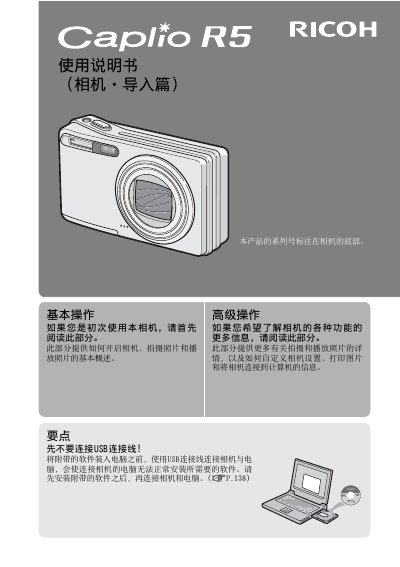
This user manual covers the operation of the Ricoh Caplio R5 digital camera. It details how to use the camera's features, such as the 7.1x optical zoom lens, image stabilization, and various shooting modes. The guide also explains how to manage images, use the included ImageMixer software, and connect the camera to a computer via USB. This manual is written in Chinese.
| Optical Zoom | 7.1x |
|---|---|
| Focal Length (35mm equiv.) | 28mm to 200mm |
| Shutter Speed | approx. 0.1 sec |
| Minimum Focus Distance (Macro) | 1cm |
| Video Resolution | 640 x 480 pixels |
The serial number is marked on the bottom of the camera.
No, you must install the software first to avoid installation issues.
The minimum focus distance is 1cm.