
This manual provides information on the shooting and playback functions of this camera, as well as notes for handling. For maximum enjoyment of the camera, please read this manual thoroughly before using it. Keep this manual handy for future reference.
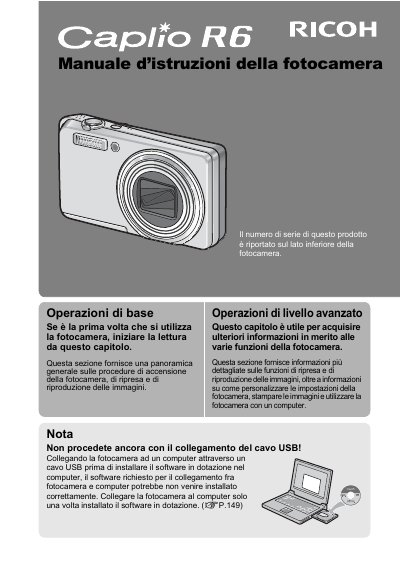
This document is the Italian edition of the user manual for the Ricoh Caplio R6 digital camera. It provides instructions on how to operate the device, including turning it on, taking photos, and reproducing images. The guide also covers safety precautions and copyright information.
The manual details various features such as the 7.1x optical zoom lens, face recognition autofocus, image stabilization, and macro photography capabilities. It explains how to use the camera with a computer using the provided USB cable and Irodio Photo & Video Studio software. This manual is written in Italian.
The serial number of this product is reported on the bottom side of the camera.
It features a 7.1x optical zoom from 28mm (wide-angle) to 200mm (telephoto).
Yes, the camera allows you to delete unnecessary files simply by specifying the file range.