
This document is the user manual of a product of a certain brand, introducing the function and use method of the product
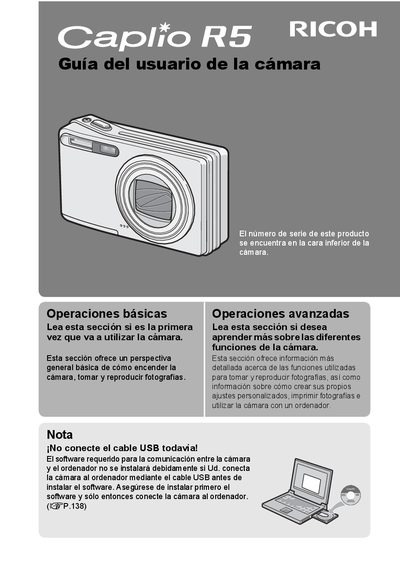
This manual provides instructions on how to use the Ricoh Caplio R5 digital camera to take and view photographs. It covers basic operations such as turning on the camera and taking pictures, as well as advanced functions like creating custom settings and using the camera with a computer. The guide also includes safety precautions and copyright information. This manual is written in Spanish.
| Zoom range | 28 mm to 200 mm |
|---|---|
| Zoom factor | 7.1x |
| Camera thickness | 26 mm |
| Shutter lag | 0.1 seconds |
| Macro distance | 1 cm |
| Video resolution | 640 x 480 pixels |
| Video frame rate | 30 fps |
The serial number is located on the bottom of the camera.
The camera is supplied with ImageMixer software for viewing and editing images.
There are eight scene modes available for different shooting conditions.