
By simple configuration, it can achieve multi-hop VPN connection based on IPSec VPN.
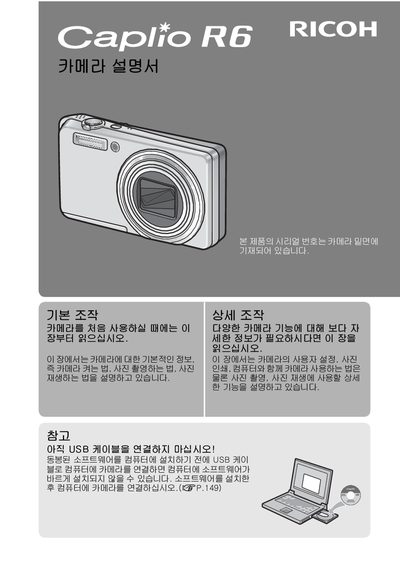
This is the official user manual for the Ricoh Caplio R6 digital camera. The document provides comprehensive instructions on operating the camera, including power management, shooting modes, and menu navigation. It also details how to transfer images to a computer and use the included software, Irodio Photo & Video Studio.
The manual includes specific sections for using the camera with various memory cards (SD, SDIO, Memory Stick) and explains how to utilize the built-in flash and external flash units. It covers both basic and advanced features, such as image quality settings and playback functions. This manual is written in Japanese.
| Image Size | 3072 x 2304 |
|---|---|
| Image Size (1M) | 1280 |
| Lens Focal Length (Wide) | 28 mm x 1.6 |
| Lens Focal Length (Tele) | 200 mm |
| Lens Type | 35 mm |
The included software is Irodio Photo & Video Studio.
The camera supports SD, SDIO, and Memory Stick cards.