
This manual introduces the basic operations of the camera, including turning on the camera, taking photos and viewing photos.
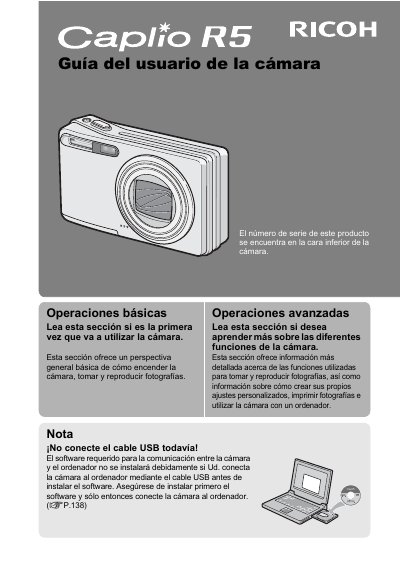
This manual provides instructions for using the Ricoh Caplio R5 digital camera, including basic operations like turning it on and taking photos, as well as advanced features such as image correction and macro photography. It also explains how to install the necessary software on a computer for image transfer and editing. This manual is written in Spanish.
| Zoom Range | 28mm to 200mm |
|---|---|
| Zoom Factor | 7.1x |
| Shutter Lag | 0.1 seconds |
| Macro Distance | 1 cm |
| Video Resolution | 640 x 480 pixels |
| Video Frame Rate | 30 fps |
The serial number is found on the bottom of the camera.
The shutter lag time is approximately 0.1 seconds.