
This document is a camera user guide, providing information on basic and advanced operations of the camera, as well as usage warnings.
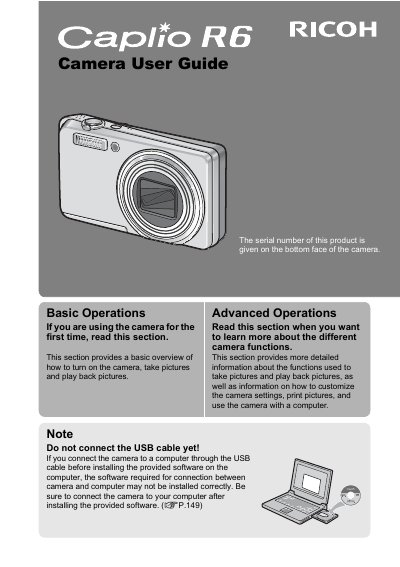
The Ricoh Caplio R6 is a compact digital camera featuring a 7.1x optical zoom lens (28mm-200mm equivalent) with a built-in flash and camera shake correction. It supports high-quality video recording at 30 fps and includes advanced features like face recognition, macro shooting down to 1 cm, and dual size image recording.
| Optical Zoom Range | 28-mm to 200-mm |
|---|---|
| Zoom Factor | 7.1x |
| Macro Shooting Distance | 1 cm |
| Video Recording Frame Rate | 30 fps or 15 fps |
The camera allows you to capture details from a very close distance of only 1 cm.
Yes, the camera can record high-quality movies with full sound at 30 frames per second.
You must install the provided software on your computer first, then connect the camera using the USB cable.