
This is a camera user manual, which introduces how to turn on the camera, take photos and play back photos and other basic operations, as well as how to create custom settings, print photos and use the camera to connect to a computer.
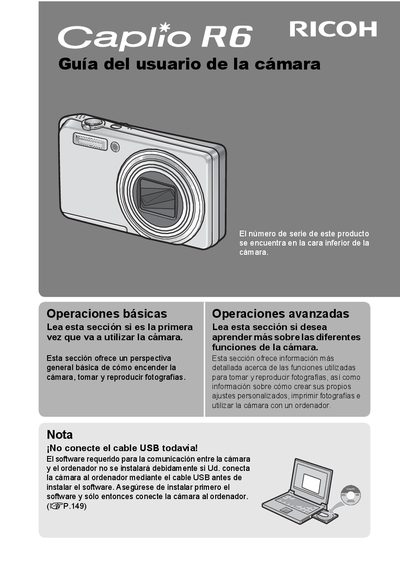
This manual provides instructions for using the Ricoh Caplio R6 digital camera to take and view photographs. It includes safety precautions, basic operations such as turning the camera on and taking photos, and advanced functions like creating custom settings and using the face recognition mode. The guide also explains how to install the required software on a computer before connecting the camera via USB. This manual is written in Spanish.
| Zoom Optical | 7.1x |
|---|---|
| Focal length equivalent | 28 mm to 200 mm |
| Max resolution | 3072 x 2304 |
| Video resolution | 640 x 480 pixels |
| Video frame rate | 30 fps |
| Macro distance | 1 cm |
The serial number is located on the bottom of the camera.
You must install the software before connecting the camera to the computer via USB.
The camera can record video at 30 frames per second.