
This manual introduces the operation methods of the camera, including the camera's power on/off, taking pictures, browsing pictures and other basic operations, as well as custom settings, photo printing and other advanced operations.
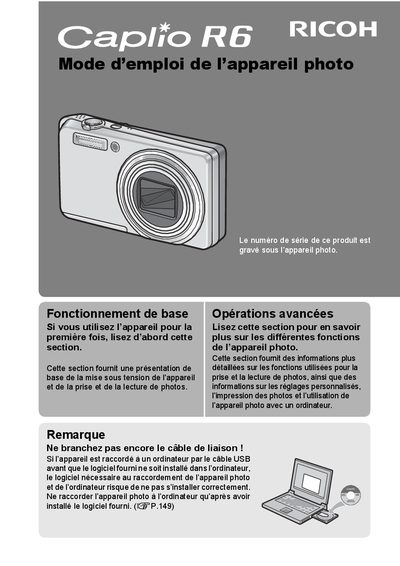
This is the French user manual for the Ricoh Caplio R6 digital camera. It provides instructions on how to turn the device on and off, take photos, and view images. The guide also explains how to install the necessary software on a computer before connecting the camera via USB cable to ensure proper installation. This manual is written in French.
| Focal Length Equivalent | 28-200 mm |
|---|---|
| Macro Shooting Distance | 1 cm |
| Flash Close-up Distance (Tele) | 25 cm |
| Flash Close-up Distance (Wide) | 20 cm |
No, you should install the provided software first. Connecting the camera via USB before installation may prevent the necessary software from installing correctly.
The camera comes with the Irodio Photo & Video Studio software, which allows you to display and edit photos on your computer.