
This User's Guide provides information about the features and functions of the PT-1700 printer, which can help users design and print various labels.
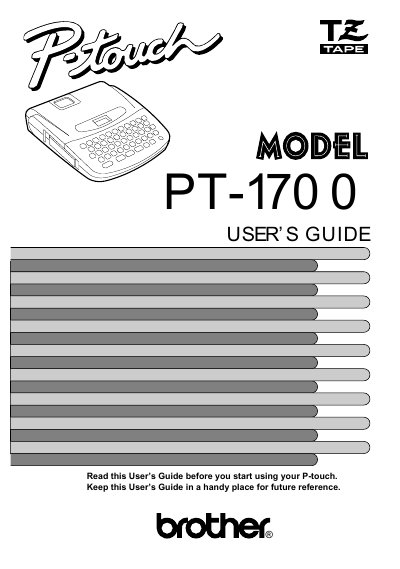
The Brother PT-1700 is a versatile label printer designed for creating characters of many sizes and styles. It supports colorful tape cartridges to print labels with various letter and background colors, eliminating the need for professional printing equipment.
This manual provides instructions on inserting tape cassettes and batteries, replacing the cutter unit, and starting the machine. It details how to create messages, move cursors, edit text, set formats (size, style, underline/frame), print labels, and utilize phrase memory functions.
| Input Device | 49 keys (39 character keys and 10 function keys) |
|---|---|
| Print Speed | 10 mm/sec. |
| LCD Display | 7 x 5 dots 1line x 4 columns |
| Power Supply (Batteries) | Six AA batteries |
| Dimensions | 6.85"(174mm) W x 7.87"(200mm) D x 2.36"(50mm) H |
| Weight | 1.4lb(0.65kg) |
| Memory Buffer Size | 55 characters |
You must use only Brother TZ tapes that have the specific mark.
The machine uses six AA size batteries (AM3, LR6, SUM-3, or R6).
The expected life of the unit's cutter is approximately 2000 cuts.
The power automatically turns off.