
This document is a user's guide for the Brother P-touch label printer. It describes the features and performance of the product, and provides instructions and precautions for using the printer.
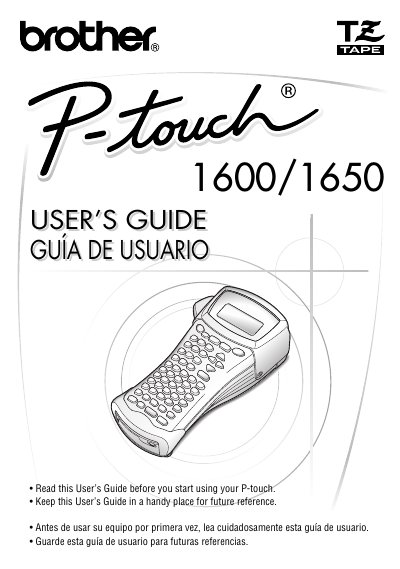
The Brother P-touch PT-1600/1650 is a portable thermal transfer printer designed to create custom labels with various character styles, sizes, and frames. It supports pre-formatted label types for patch panels, cables, and connectors, allowing users to print legible, long-lasting labels quickly.
Machines have a two-stage warranty: 90 days from the original purchase date and an additional warranty up to one year from the original purchase date.
Consumable and Accessory Items, such as label cassettes, cutters, stamps, power adapters, cases, and batteries, have a 90-day warranty from the original purchase date.
The limited warranty is void if the Product has been altered or modified in any way, including attempted warranty repair without authorization.