
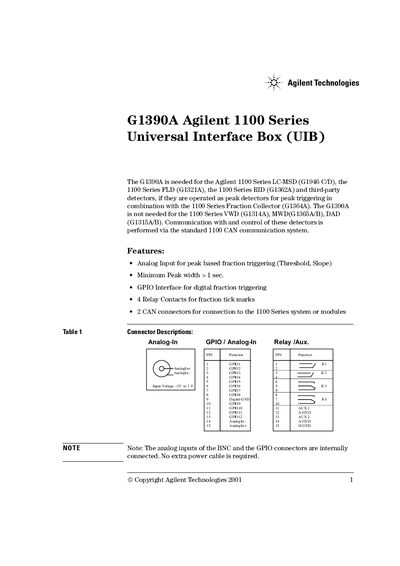
The Agilent G1390A Universal Interface Box (UIB) is required for specific Agilent 1100 Series detectors when operated as peak detectors in combination with the Fraction Collector. It provides analog input for peak-based fraction triggering, a GPIO interface for digital triggering, and four relay contacts for tick marks.
The document outlines the instrument's status indicators, which show conditions such as prerun (off), run mode (green), not-ready (yellow), or error (red). It also details technical specifications including dimensions, power requirements, signal characteristics, and lists compatible cable part numbers.
| Dimensions | 100mm*140mm*30mm |
|---|---|
| Input Voltage (Power) | 22V to 25V DC |
| Input Current | < 100mA |
It is needed for the Agilent 1100 Series LC-MSD, FLD, RID, and third-party detectors if operated as peak detectors with the Fraction Collector.
It indicates a not-ready condition, such as waiting for a specific condition to be reached or completed.
Download and install the newest version from http://www.agilent.com/chem, preferably with assistance from a local service provider.