
This document is a guide on instrument preparation and installation, involving the installation steps and precautions of two auxiliary flow panels. It also emphasizes the need to disconnect the power cord before working to avoid electrical shock hazards.
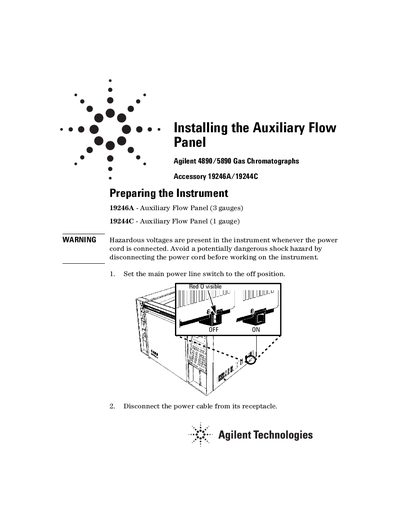
This document provides instructions for installing the Auxiliary Flow Panel (Accessory 19246A with three gauges or 19244C with one gauge) onto Agilent 4890 and 5890 Gas Chromatographs. The guide covers safety precautions, preparation steps involving the removal of the injection port cover and autosampler components, and the specific mounting procedure for the panel on the left side of the instrument.
This accessory is intended for use with Agilent 4890 and 5890 Gas Chromatographs.
The 19246A auxiliary flow panel contains two 400kPa (60 psi) regulators and one 700 kPa (100 psi) regulator.
A 1/4-inch nut driver is ideal for installing the three thread-forming screws.