
Apple iMac Flat Panel AirPort Card Installation Instructions

This document provides instructions on how to install the AirPort Card on an iMac (Flat Panel).
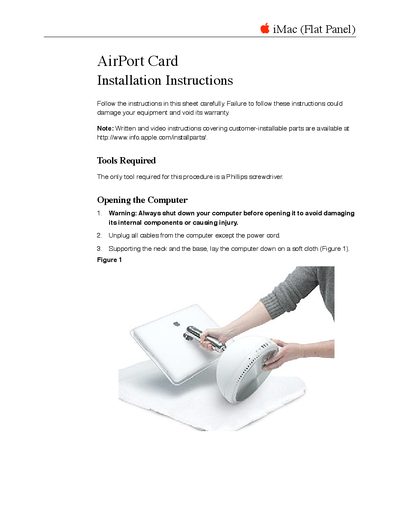

Apple iMac Flat Panel AirPort Card Installation Instructions - cover page
Brand
Apple
Category
All-in-One Desktops
Document type
Installation Guide
Language
English
Pages
7
File format
PDF
File size
178 KB
Published
05 June, 2012
Updated
30 September, 2023
MD5 checksum
CD788816A48324E0EDF7361F0B946164

About this manual

This document provides step-by-step instructions for installing an AirPort Card into an iMac (Flat Panel). It details the tools required, safety precautions regarding electrostatic discharge and overheating, and the specific procedure for opening the computer case to access the internal slot. The guide covers both adding a new card and replacing a defective one.

What's inside

  • Tools Required
  • Opening the Computer
  • Electrostatic Discharge Precautions
  • Installing the AirPort Card
  • Closing the Computer

Frequently asked questions

What tool is required to install the AirPort card?

The only tool needed for this procedure is a Phillips screwdriver.

How many captive screws secure the access panel?

You must loosen and later tighten four captive screws to remove or replace the access panel.

Download PDF (178 KB)

More Apple Manuals


View all Apple manuals →