
This document mainly introduces the functions and operating methods of the LT / MT series projectors' remote control
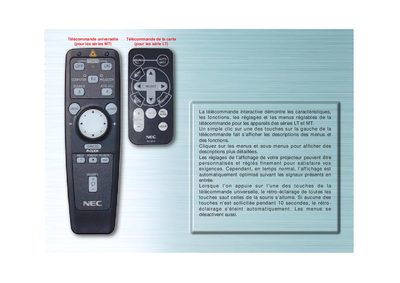
This manual explains how to operate the universal remote control designed for NEC projectors of the MT and LT series. It details each button, menu navigation, and the customizable display settings for the projector.
The guide also covers special functions such as automatic image adjustment, source selection, and switching between computer and projector modes, with visual cues like LED indicators and highlighted tabs. This manual is written in French.
| LED indicator | blinks when a key is pressed |
|---|
Press the ORDINATEUR/SELECTION PJ button; it toggles the mouse buttons between computer (red) and projector modes.
It automatically adjusts vertical/horizontal position, clock frequency/phase, and resolution when the projected image is off‑center, has vertical bars, or flickers.