
This user manual introduces the use of NP64/NP63/NP54/NP43 portable projectors
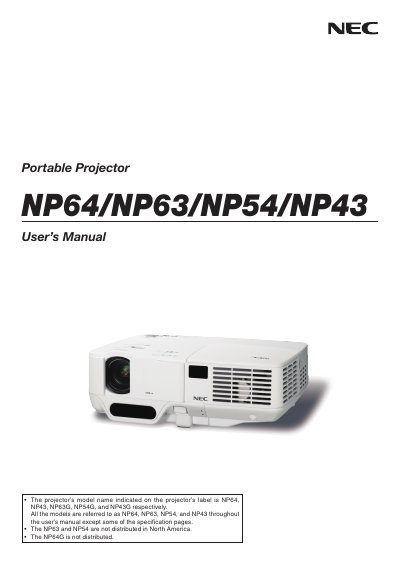
This manual provides safety cautions, installation guidelines, connection instructions, and basic operation steps for NEC's NP64, NP63, NP54 and NP43 portable projectors. It includes detailed information on power requirements, lamp replacement, tilt limits, and optional features such as remote control and high‑altitude mode.
Additional sections cover warranty, service options, and environmental disposal instructions, ensuring users can maintain the projector safely and comply with regional regulations.
| Power Supply (NP64/NP43) | 100‑240 V AC 50/60 Hz |
|---|---|
| Power Supply (NP63G/NP54G/NP43G) | 200‑240 V AC 50/60 Hz |
| Lamp Type | High‑pressure mercury lamp |
| Maximum Tilt Angle | 10 degrees |
Replace the lamp when the message appears on the screen; follow the detailed instructions on page 79 and allow the lamp to cool for at least one hour before handling.
The tilt angle should not exceed 10 degrees.
It uses a high‑pressure mercury lamp as the light source.