
This document is the instruction manual of MT, LT series projector remote control
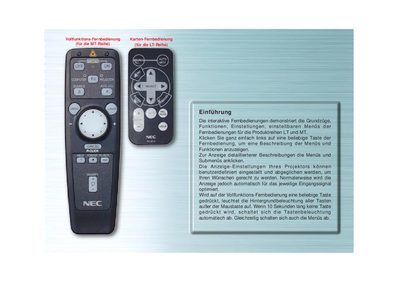
The manual introduces the full‑function remote for the MT series and the card remote for the LT series. It explains how to select menu items, view button descriptions, and adjust projector display settings.
Detailed sections describe the SOURCE button for input selection, the AUTO ADJUST button for image positioning, menu navigation keys, backlight behavior, and the COMPUTER/PJ SELECT button for switching between computer and projector modes. This manual is written in German.
Press the SOURCE button; each press cycles the input (RGB, S‑Video, PC‑Card Viewer).
Press the COMPUTER/PJ SELECT button to toggle between the two modes.