
This manual provides the instructions for using the NEC NP60G/NP50G/NP40G projector.
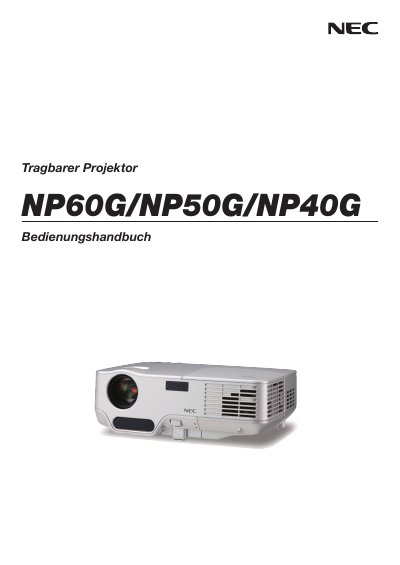
This manual covers important safety information for the NEC NP60G/NP50G/NP40G projectors, including warnings about electrical shock, fire risk, and proper handling of the lamp and housing. It also explains how to install the projector on a stable surface or ceiling, connect it to video sources, and configure basic picture settings.
Further sections describe practical functions such as image freeze, lamp‑mode switching, and optional mouse remote control, as well as routine maintenance tasks like lens cleaning and lamp replacement. Technical data, connector pin‑outs, and a troubleshooting guide are provided in the appendix. This manual is written in German.
| Lamp Type | High‑pressure mercury lamp |
|---|
The lamp must be replaced when the message “Das Ende der Lampenlebensdauer ist erreicht” appears on the display.
Insert the batteries with correct polarity, do not mix new and old batteries, and remove them if the remote will not be used for a long time.