
This manual describes the basic operation and maintenance of the NP64/NP63/NP54/NP43 portable projectors.
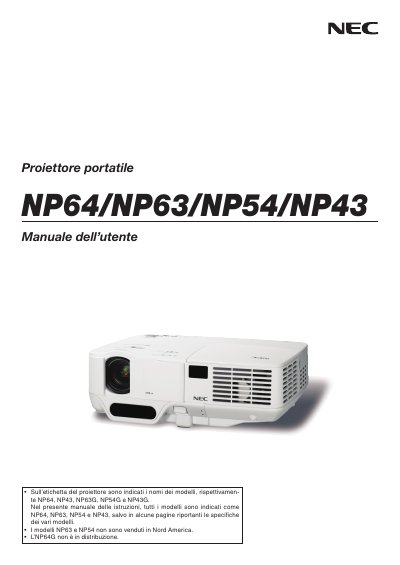
This manual provides safety warnings, installation guidelines, and operating instructions for the NEC NP64, NP63, NP54 and NP43 projectors. It explains how to set up the unit, connect video sources, adjust image size and focus, and use optional features such as high‑altitude mode.
Additional sections cover lamp replacement, ventilation requirements, troubleshooting, and the TravelCare service program. The document is written in Italian and includes detailed diagrams of the projector and remote control.
| Input voltage | 100‑240 V AC, 50/60 Hz (NP64/NP43) or 200‑240 V AC, 50/60 Hz (NP63G/NP54G/NP43G) |
|---|---|
| Lamp type | High‑pressure mercury lamp |
| Altitude setting | Use High‑Altitude mode above ~5,000 ft (1,500 m) |
| Ventilation clearance | At least 4 inches (≈10 cm) from wall |
Turn off the projector and unplug the power cord from the outlet.
Leave at least 4 inches (about 10 cm) between the projector and any wall or surface.
It operates on 100‑240 V AC, 50/60 Hz for NP64/NP43 models and 200‑240 V AC, 50/60 Hz for NP63G/NP54G/NP43G models.