
This is a user manual for NP62/NP61/NP52/NP41 projectors.
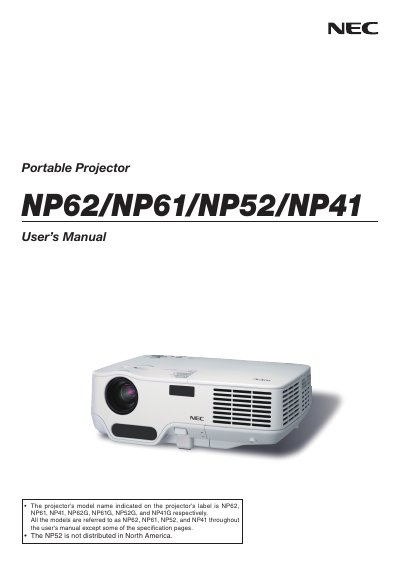
This manual provides safety warnings, installation instructions, and operating procedures for NEC's NP62, NP61, NP52 and NP41 portable projectors. It includes details on power requirements, lamp handling, remote control use, and recommended fan settings for high‑altitude environments.\n\nThe document also outlines the TravelCare service program, warranty exclusions, and troubleshooting steps, helping users maintain reliable performance throughout the projector’s lifespan.
| Power Supply Voltage | 100‑240 V AC 50/60 Hz (NP62/NP61/NP41) or 200‑240 V AC 50/60 Hz (NP62G/NP61G/NP52G/NP41G) |
|---|---|
| Lamp Type | High‑pressure mercury lamp |
| Maximum Sound Pressure Level | < 70 dB(A) |
| High‑Altitude Fan Setting | Set FAN MODE to HIGH ALTITUDE above ~5000 ft (1500 m) |
Replace the lamp when the message "THE LAMP HAS REACHED THE END OF ITS USABLE LIFE. PLEASE REPLACE THE LAMP." appears on the screen.
Turn off the main power and remove the plug from the power outlet before any service or cleaning.
Select HIGH ALTITUDE in the FAN MODE menu when operating above roughly 5000 ft (1500 m) to prevent overheating.