
NP64/NP63/NP54/NP43 Portable Projector User Manual
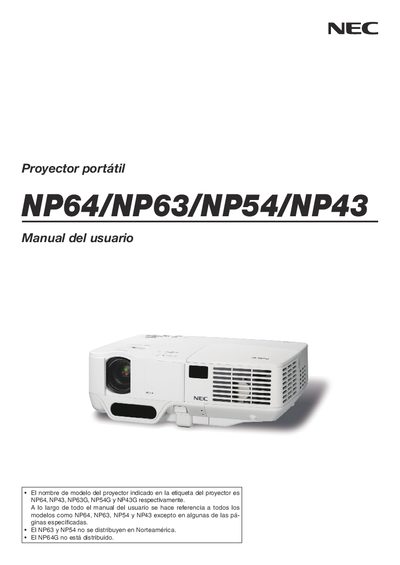
This manual provides important safety information, installation guidelines, and basic operation procedures for the NEC NP64, NP63, NP54 and NP43 portable projectors. It includes warnings about electrical hazards, proper ventilation, and handling of the lamp and power cable.
The document also covers optional features such as high‑altitude fan mode, remote‑control usage, and the TravelCare service program, helping users maintain and service their projector safely. This manual is written in Spanish.
| Power supply voltage (NP63G/NP54G/NP43G) | 200‑240 V AC, 50/60 Hz |
|---|---|
| Lamp type | Mercury high‑pressure lamp |
Turn off the projector, wait for the lamp to cool for at least one hour, then follow the instructions on page 79 to replace it safely.
Set the fan mode to “ALTITUD ELEVADA” above roughly 5000 ft (1500 m) to prevent overheating.