
This is the instruction manual for NP64/NP63/NP54/NP43 portable projectors
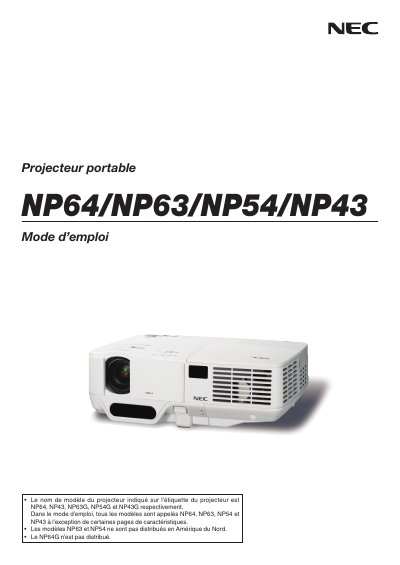
This manual provides safety guidelines, installation instructions, and operating procedures for NEC portable projectors NP64, NP63, NP54 and NP43. It includes warnings about electrical shock, fire risk, and proper handling of the lamp and ventilation system.
The document also details how to connect the projector to various video sources, adjust image size and focus, use practical functions such as eco mode and image freeze, and outlines the lamp replacement process and high‑altitude operation settings. This manual is written in French.
| Operating voltage (NP64/NP43) | 100‑240 V AC 50/60 Hz |
|---|---|
| Operating voltage (NP63G/NP54G/NP43G) | 200‑240 V AC 50/60 Hz |
| Lamp type | High‑pressure mercury lamp |
| Maximum tilt angle | 10 degrees |
The NP64 model operates on 100‑240 V AC at 50/60 Hz.
Turn off the projector, wait for the cooling fans to stop, unplug the power cable, wait at least one hour for the lamp to cool, then follow the instructions on page 79 to replace it.