
Describes the features and usage of NEC LT180 Portable Projector.
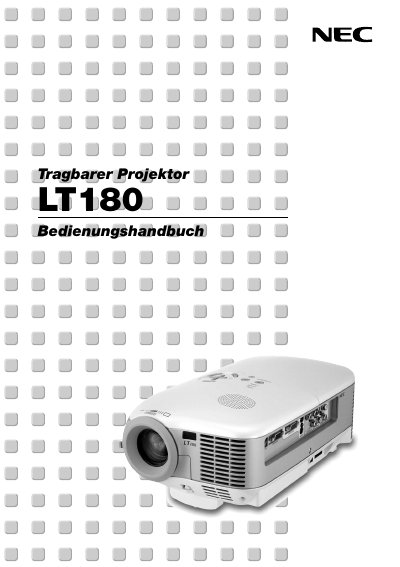
This manual introduces the NEC LT180 portable projector, describing its key features, safety warnings, and required accessories. It explains how to set up the projector on a flat surface, mount it on a ceiling, and connect it to various video sources such as PC, DVD player, or LaserDisc.
The guide also covers basic operation, image adjustment, menu functions, lamp replacement, cleaning, and troubleshooting. Service and warranty information, including the TravelCare program, are provided in the appendix. This manual is written in German.
| Input voltage | 100‑240 V AC 50/60 Hz |
|---|---|
| Native resolution | 1024 × 768 |
| Noise level | < 34 dB (Eco‑Mode) |
Unplug the mains power cord from the outlet before leaving the projector unattended.
Replace the lamp when the message “End of lamp life reached – please replace the lamp” appears, following the instructions on page G‑44.