
This document is the user manual for the NEC LT180 portable projector, providing safety precautions and product features before use.
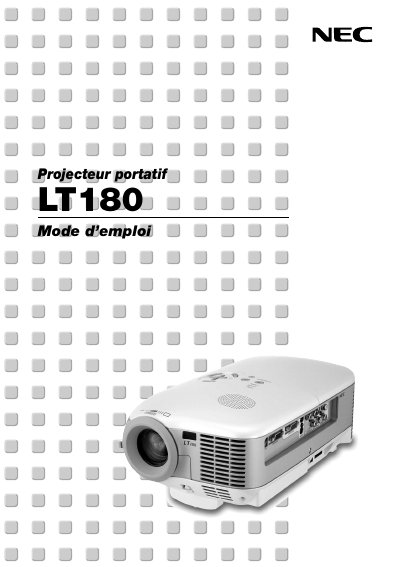
This manual covers important safety information, proper installation, and connection options for the NEC LT180 projector. It explains how to set up the device on a stable surface, maintain adequate ventilation, and avoid electrical hazards.
The guide also describes basic operation, menu functions, lamp replacement procedures, technical specifications, and the TravelCare service program. It includes a parts list, warranty limits, and contact information for authorized service centers. This manual is written in French.
| Native aspect ratio | 4:3 |
|---|---|
| Maximum resolution | 1024 x 768 |
| Fan noise (Eco‑Mode) | 34 dB |
| Lamp life increase (Eco‑Mode) | up to 50 % |
| Power supply | 100‑240 V AC, 50/60 Hz |
| Video inputs | Component, S‑Video, Video |
| Supported video signals | VGA, SVGA, XGA, Macintosh, component, etc. |
No. The projector must be installed by qualified technicians and the ceiling must be strong enough to support it.
Leave at least 4 inches (10 cm) between the projector and the wall.
It works with an AC supply of 100 V to 240 V, 50 Hz or 60 Hz.