
This document is the user manual of NEC LT180 projector, which introduces the use of the projector, safety precautions, etc.
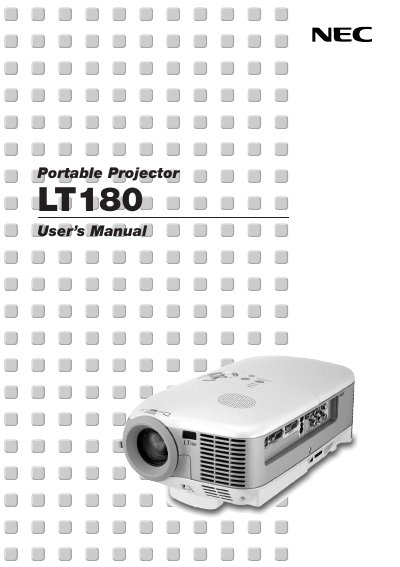
This manual introduces the NEC LT180 projector, its key features, and the components included in the package. It guides users through safe handling, power requirements, and proper installation, including ceiling mounting and connection of video sources.
Detailed sections cover basic operation such as turning the projector on, adjusting picture size, using the on‑screen menu, and performing routine maintenance like lamp replacement and cleaning. Safety cautions, warranty information, and service options are also provided.
| Power Supply | 100‑240 V 50/60 Hz AC |
|---|---|
| Fan Noise (Eco‑Mode) | as low as 34 dB |
| Native Resolution | 1024 × 768 |
| Supported HDTV Formats | 1080i, 720p |
| Lamp Life Extension (Eco‑Mode) | up to 50 % longer |
| Maximum Throw Distance | up to 200 inches diagonal |
No. Ceiling installation must be performed by qualified technicians and the ceiling must be strong enough to support the projector in accordance with local building codes.