
This document is a quick connect guide for LT75Z projector
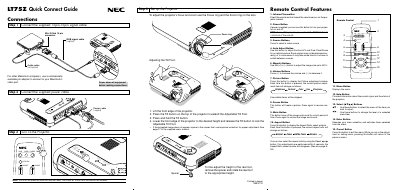
This guide provides step‑by‑step instructions for setting up the NEC LT75Z projector, including connecting the supplied 15‑pin spin cable, power cable, and RGB video cable. It also explains how to adjust focus, zoom, and the tilt foot, and offers basic troubleshooting tips.
The remote control section describes each button’s function, such as power, source selection, auto‑adjust, magnify (up to 400%), volume, picture adjustments, and menu navigation. The guide includes a menu tree, basic/advanced menu options, and status‑light messages to help resolve common issues.
| Maximum image magnification | 400% |
|---|
Press and hold the POWER button on the remote control for at least two seconds.
Use the magnify (+) or (‑) buttons on the remote to enlarge the image up to 400%.
Use the keystone correction in the Adjustment menu to correct the trapezoid distortion.