
TL-WN721N 150Mbps Wireless Lite-N USB Adapter is a portable wireless network card that supports 802.11b/g/n networks, with a maximum transmission speed of 150Mbps. This adapter supports Windows 2000/XP/Vista/7/8/10 operating systems, and no driver is required to install and use.
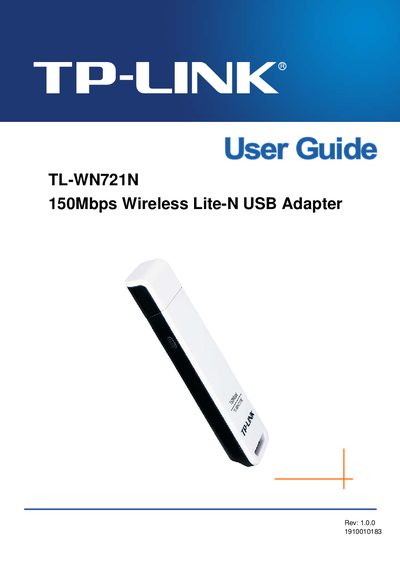
This guide introduces the TL‑WN721N 150Mbps Wireless Lite‑N USB Adapter, a compact USB Wi‑Fi solution for home and office use. It explains the package contents, safety notices, and regulatory compliance.
The manual covers hardware installation, driver and software setup, profile management, troubleshooting, and includes a glossary of wireless terms. Appendices provide detailed specifications and a glossary for reference.
| Wireless speed | 150 Mbps |
|---|---|
| Supported Wi‑Fi standards | 802.11b/g |
| Interface | USB |
The package contains one TL‑WN721N adapter, a quick installation guide, a USB cable, and a resource CD with drivers and utilities.
Use the configuration section to add or modify a configuration profile as described in Chapter 3.