
TP-Link TL-WR340G/TL-WR340GD Wireless Router 54Mbps User Guide

TL-WR340G TL-WR340GD Wireless Router 54M
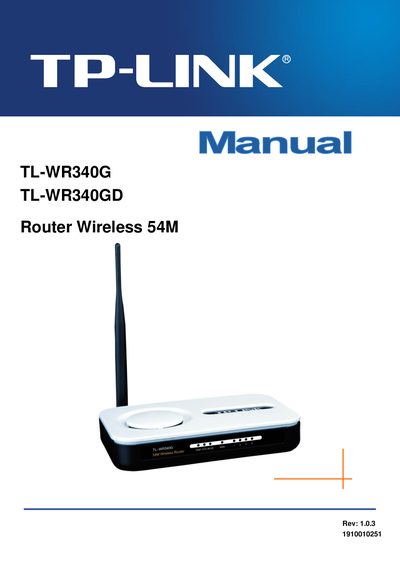

TP-Link TL-WR340G/TL-WR340GD Wireless Router 54Mbps User Guide - cover page
Brand
TP-Link
Category
Router
Document type
User Manual
Language
RO
Pages
80
File format
PDF
File size
1.2 MB
Published
08 May, 2012
Updated
30 September, 2023
MD5 checksum
26ED347CFAFF8D777B57E0D2A0735BCF

About this manual

This manual provides step‑by‑step instructions for installing and configuring the TP‑Link TL‑WR340G/TL‑WR340GD wireless router. It includes hardware setup, software configuration, wireless security settings, and troubleshooting tips.

The document also lists technical specifications such as supported wireless standards, data rates, frequency range, port configuration, operating temperature, and security protocols, helping users understand the capabilities of the device.

What's inside

  • Introduction
  • Hardware Installation
  • Front Panel Overview
  • Rear Panel Overview
  • System Requirements
  • Installation Environment Requirements
  • Connecting the Device
  • Wireless Configuration
  • Advanced Security Settings
  • Static Routing
Download PDF (1.2 MB)

More TP-Link Manuals


View all TP-Link manuals →