
The document provides installation and setup instructions for the Cisco Systems Wireless WAP54G Access Point. It includes a list of package contents and step-by-step instructions for locating the access point, fixing the antenna direction, connecting to a network, and powering the device. It emphasizes the importance of placing the access point at the center of the wireless network and higher antenna placement for better performance.
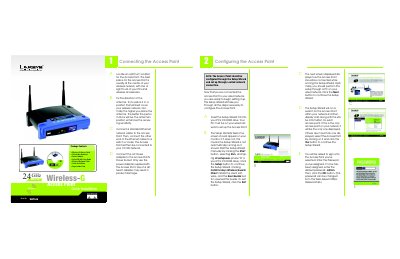
The guide provides a step‑by‑step walkthrough for installing the Linksys WAP54G Access Point. It starts with selecting an optimal location, attaching the detachable antennas, and connecting the Ethernet cable and power adapter.
After the hardware is connected, the Setup Wizard on the supplied CD guides you through configuring the SSID, channel, security settings, and network address. The document also lists technical support contacts and optional Linksys Wireless Guard security subscription.
| Default IP Address | 192.168.1.245 |
|---|
Insert the Setup Wizard CD into your PC's CD‑ROM drive and run d:\setup.exe.
The default password is "admin".
The default IP address is 192.168.1.245.