
This document describes the features and characteristics of the Linksys 24-Port 10/100 Switch, including high-speed data transfer, non-blocking switching technology, address learning, and data flow control.
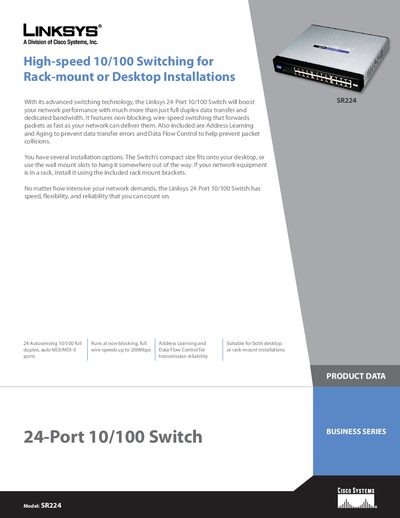
The SR224 is a 24‑port 10/100 Ethernet switch offering non‑blocking, wire‑speed performance up to 200 Mbps. It supports auto‑MDI/MDI‑X, address learning, and data flow control, and can be installed on a desktop, wall‑mounted, or rack‑mounted using the supplied brackets.
The manual lists full specifications, including port types, power requirements, environmental ratings, and package contents such as the switch, AC power cord, user guide, and registration card.
| Ports | 24 10/100 RJ‑45 |
|---|---|
| Cabling Type | Category 5 Ethernet or Better |
| Maximum Cable Length | 328 feet |
| Dimensions (W×H×D) | 11"×1.75"×9.45" (279 × 45 × 240 mm) |
| Weight | 3.31 lb (1.5 kg) |
| Power Input | 100 V ~ 240 V AC, internal 3.3 V/5 A |
| Operating Temperature | 32 °F to 104 °F (0 °C to 40 °C) |
| Storage Temperature | -40 °F to 158 °F (-40 °C to 70 °C) |
The SR224 provides 24 autosensing 10/100 full‑duplex ports with auto MDI/MDI‑X.
The switch operates from 100 V to 240 V AC and includes an internal 3.3 V/5 A supply.
The SR224 supports Ethernet cabling up to 328 feet.