
This document is a quick installation guide for the WRVS4400N Giga wireless router
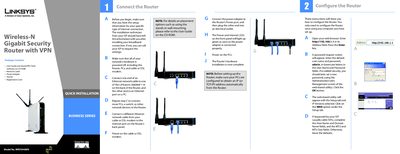
This guide walks you through the hardware installation of the WRVS440N router, including connecting Ethernet cables to the LAN ports, attaching the power adapter, and linking the router to your modem. Once the LEDs turn green, the router is powered and ready for configuration.
The document then explains how to access the router’s web utility, set up the WAN connection type, configure basic wireless settings such as SSID and channel, and enable wireless security (WPA/WPA2). It also provides default login credentials and tips for testing the connection.
| Wireless Standard | Wireless-N |
|---|---|
| LAN Ports | 4 (labeled 1-4) |
| Default IP address | 192.168.1.1 |
| Default username/password | admin / admin |
| Default SSID | linksys |
Open a web browser and enter http://192.168.1.1 in the address field.
The default username and password are both "admin".
In the Wireless Tab’s Basic Wireless Settings, edit the Network Name (SSID) field and save the changes.
You can select WPA-Personal, WPA2-Personal, or WPA2-Personal Mixed, and choose TKIP or AES encryption.