
This document is a user guide for the Compact Wireless-G USB Adapter, providing information on the features and usage precautions of the product.
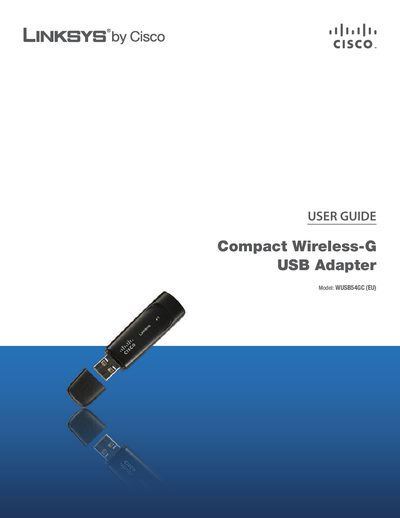
The Linksys WUSB54GC Compact Wireless‑G USB Adapter connects to a PC via a USB port and provides wireless network access in public hotspots and home environments. This guide explains the adapter’s LEDs, basic operation, and how to install the Linksys Wireless Manager software.
The manual includes a wireless security checklist, step‑by‑step configuration instructions, troubleshooting tips, technical specifications, warranty information, and regulatory notices. It also provides details on using Wi‑Fi Protected Setup, hidden networks, and software licensing.
The default password is "admin".
You should change the default wireless network name or SSID to a unique name.
The Linksys Wireless Manager icon appears in the system tray of the computer.