
This manual introduces how to use the EtherFast 10/100 Network In a Box series of products, including installation, configuration, and troubleshooting.
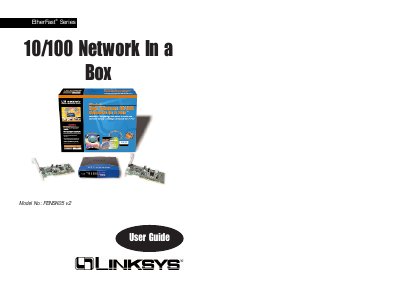
This guide introduces the EtherFast 10/100 Network In a Box, which includes two LAN cards, a 5‑port workgroup hub, cables, and software. It describes the hardware components, LED indicators, and how to physically install the cards and hub.
Step‑by‑step instructions cover driver installation for Windows 98, 95, 2000, NT, and Novell, as well as optional Wake‑On‑LAN setup, cable crimping, and troubleshooting tips. Contact information for Linksys support and warranty details are provided at the end.
| Model Numbers | LNE100TX v4 |
|---|---|
| System | PCI 2.1 (or higher) compliant |
| Speed | Full Duplex 200 Mbps / 20 Mbps, Half Duplex 100 Mbps / 10 Mbps |
| Ports | One Combo RJ‑45 10BaseT/100BaseTX |
| Cabling | Category 3 (10BaseT) or Category 5 (100BaseTX) |
| Dimensions | 5" x 2.3" x 0.75" (122 x 86 x 18 mm) |
| Power Consumption | 2 W |
| Certifications | FCC Class B, CE Mark |
| Operating Temperature | 0 °C – 50 °C (32 °F – 122 °F) |
Insert the driver disk into the floppy drive, run the Add New Hardware wizard, select the driver from the floppy, and follow the prompts to complete installation.