
Describes how to install Linksys EtherFast 10/100 PC Card (PCMPC100 v3) and EtherFast 10/100 Integrated PC Card (PCM100 v2)
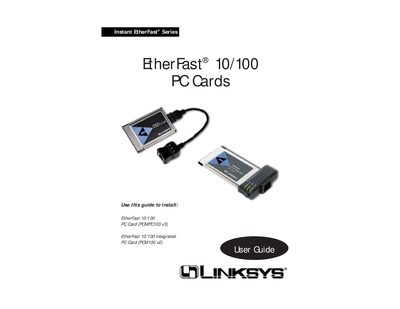
The Linksys EtherFast 10/100 PC Card User Guide provides step‑by‑step instructions for installing the standard or integrated PC Card, selecting I/O and IRQ settings, and configuring drivers for Windows and DOS environments. It also covers LED status indicators, cable requirements, and troubleshooting tips.
Additional sections describe the hardware specifications, FCC compliance, warranty information, and optional networking software such as socket and card services. The guide is intended for notebook users and technicians who need to set up fast Ethernet connectivity on PCMCIA‑equipped laptops.
| Model Number | PCM100 v3 |
|---|---|
| Standards | IEEE 802.3, IEEE 802.3u, PCMCIA |
| Port | One 10BaseT/100BaseTX Auto‑Sensing Port |
| Half‑Duplex Speed | 10 Mbps or 100 Mbps |
| Full‑Duplex Speed | 20 Mbps or 200 Mbps |
| Cabling | UTP Category 5 (or better) |
| Dimensions | 4.7" × 2.6" × 0.75" (119 mm × 66 mm × 19 mm) |
| Certifications | FCC Class B, CE Mark, UL and CSA Listed |
The card has three LEDs: Link, Activity, and a 10/100 Mbps indicator.