
This document introduces the WRT54G3GV2-VF model wireless-G router, which is suitable for 3G/UMTS broadband connection. The document provides two methods to set up the router for internet connection and lists the materials and information required for the setup. Additionally, the document provides step-by-step installation instructions and detailed explanations.
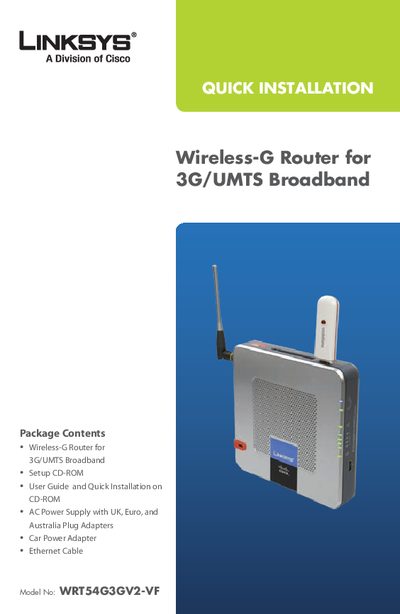
This manual covers the contents of the Linksys WRTS4G3GV2-VF package, which includes the Wireless‑G router, a setup CD‑ROM, power adapters, Ethernet cable and a car power adapter. It explains the two primary setup methods: Broadband WAN with 3G/UMTS broadband, and 3G/UMTS broadband only.
The guide walks you through connecting the router to the modem, attaching Ethernet cables to computers, powering the device, and completing the on‑screen wizard. It also points to advanced configuration chapters and a troubleshooting appendix for issues such as a continuously flashing Power LED.
| Model Number | WRTS4G3GV2-VF |
|---|---|
| Wireless Standard | Wireless‑G |
| Power Supply | AC with UK, Euro, Australia adapters |
Refer to Appendix A: Troubleshooting in the User Guide on the CD‑ROM.