
This document provides a comprehensive guide to securing a wireless network, including information on common security problems, available security measures, and specific configuration instructions for the Linksys WRT610N router.
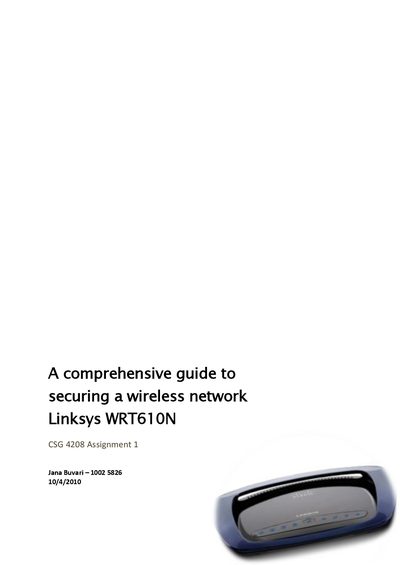
This document introduces the security risks of default wireless router settings and explains why the default configuration of the Linksys WRT610N is unsafe. It covers basic concepts such as SSID broadcasting, encryption methods, and the importance of keeping firmware up‑to‑date.
The guide provides step‑by‑step instructions for securing the router: changing the default username and password, updating firmware, renaming or disabling the SSID, enabling WPA/WPA2 encryption, using MAC address filtering, assigning static IP addresses, and enabling the built‑in firewall. Each section describes the purpose of the setting and how to configure it through the router’s interface.